
Introduction
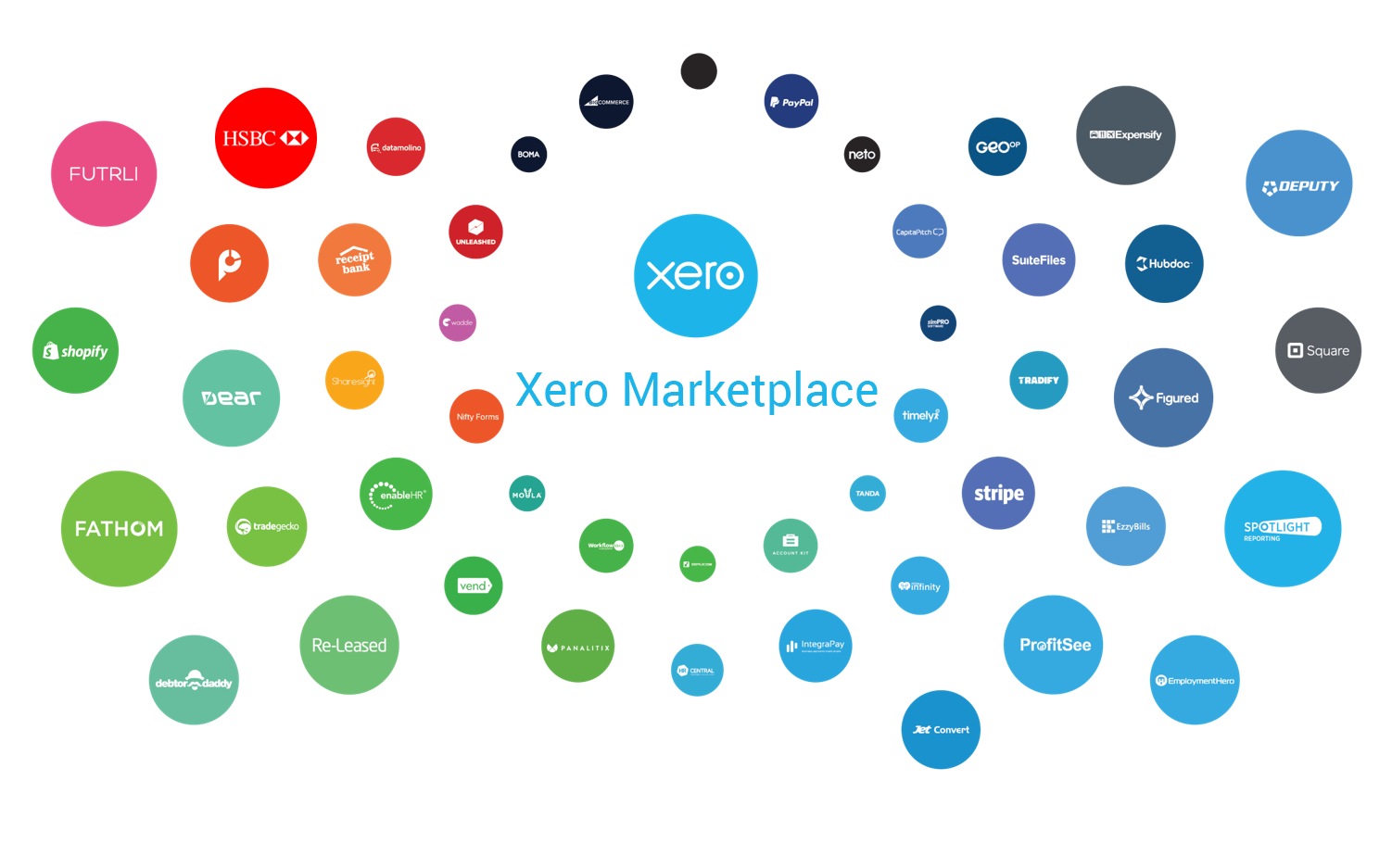
Xero is a powerful accounting software that has gained popularity for its user-friendly interface and robust features. One of the key strengths of Xero is its ability to integrate with a wide range of third-party applications, enhancing its functionality and providing a seamless experience for users. In this blog post, we’ll explore some of the most popular integrations available within Xero and how they can benefit your business.
- Payment Processing Integrations
Stripe: Xero integrates with Stripe to allow businesses to accept online payments directly through their invoices. This integration simplifies the payment process, reduces the time spent on chasing payments, and improves cash flow management.
PayPal: By integrating PayPal with Xero, businesses can offer their customers a convenient and secure payment option. This integration also helps in automatically reconciling transactions, saving time and reducing errors.
For businesses that use point-of-sale transactions, integrating it with Xero ensures that sales data is automatically synced, providing a complete view of your financials. This is common across a host of providers such as Square and SumUp.
- E-commerce Integrations
Shopify: Xero’s integration with Shopify allows online store owners to sync their sales, inventory, and customer data. This integration helps in maintaining accurate financial records and streamlining inventory management.
If you want really detailed data to be passed over to Xero, this is where A2X can assist.
A2X: If a direct integration does not exist between Xero and your online store, A2X can help! A2X will ensure that all sales and inventory data are automatically updated in Xero, reducing manual data entry and improving accuracy. They work with a host of platforms, with the most notable being Etsy, Amazon, and eBay.
- Payroll and HR Integrations
BrightPay: BrightPay offers seamless integration with Xero, allowing both payroll and accounting systems to communicate directly. This integration eliminates the need for manual export and import processes, automating repetitive tasks and reducing the possibility of errors. By using BrightPay with Xero, businesses can increase financial insight and efficiency, avoid duplication of efforts, and ensure accurate payroll data is reflected in their financial records. When coupled with BrightPay Connect and a great payroll provider, you can effortlessly manage HR issues and holiday leave, with any employee queries being sent directly to your accountant.
- Expense Management Integrations
Apron: Apron is a new and exciting disruptor to the accounting scene! It is an expense management app that integrates with Xero to simplify the process of tracking and managing business expenses. With Apron, employees can easily capture receipts and submit expense reports, which are then automatically synced with Xero. This integration reduces manual data entry, ensures accurate expense tracking, and helps businesses maintain up-to-date financial records. Not only this, but Apron can be used to manage and approve supplier and payroll payments, making paying your bills a breeze!
- Reporting and Analytics Integrations
Fathom: Fathom is a powerful reporting and financial analysis tool that integrates with Xero. This integration allows businesses to create detailed financial reports, track key performance indicators, and gain deeper insights into their financial health. If you are interested in gaining a key insight into your finances, speak to the team and we can help you to build and maintain a financial dashboard.
Conclusion
Xero’s extensive range of integrations makes it a versatile and powerful tool for businesses of all sizes. By connecting Xero with other applications, businesses can streamline their operations, reduce manual data entry, and gain a more comprehensive view of their financial health. Whether you’re looking to improve payment processing, manage payroll, or gain deeper insights through reporting, Xero’s integrations have you covered.
Have you tried any of these integrations with Xero? Share your experiences or ask any questions in the comments below!
